Data visualization using power bi
Welcome
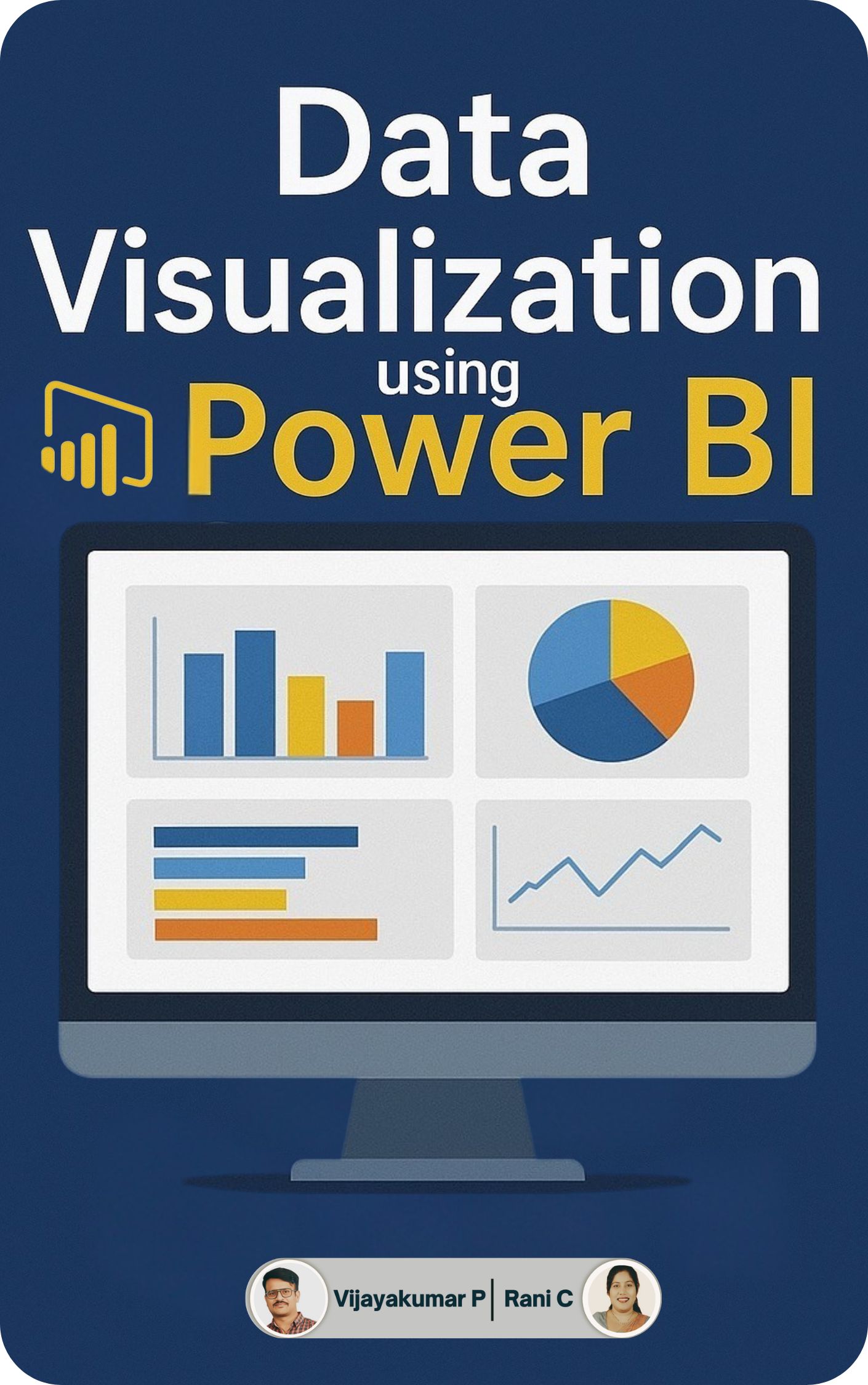
Data Visualization Using Power BI is a comprehensive guide to transforming raw data into actionable insights. It begins with the fundamentals, covering the installation and configuration of Power BI Desktop. You will learn to connect to diverse data sources, such as Excel and databases, and master essential data transformation and cleaning techniques.
The curriculum progresses into the core of data modeling, teaching you to build robust models. You will create a wide range of visualizations, from basic charts to advanced maps and funnels, and learn to make them interactive using filters, slicers, and drilldowns. A key component is mastering DAX (Data Analysis Expressions) to create calculated columns and measures for deeper analysis. Finally, you will learn to design compelling reports and dashboards, publishing and sharing them securely using the Power BI Service, enabling effective collaboration and data-driven decision-making.
About the Authors

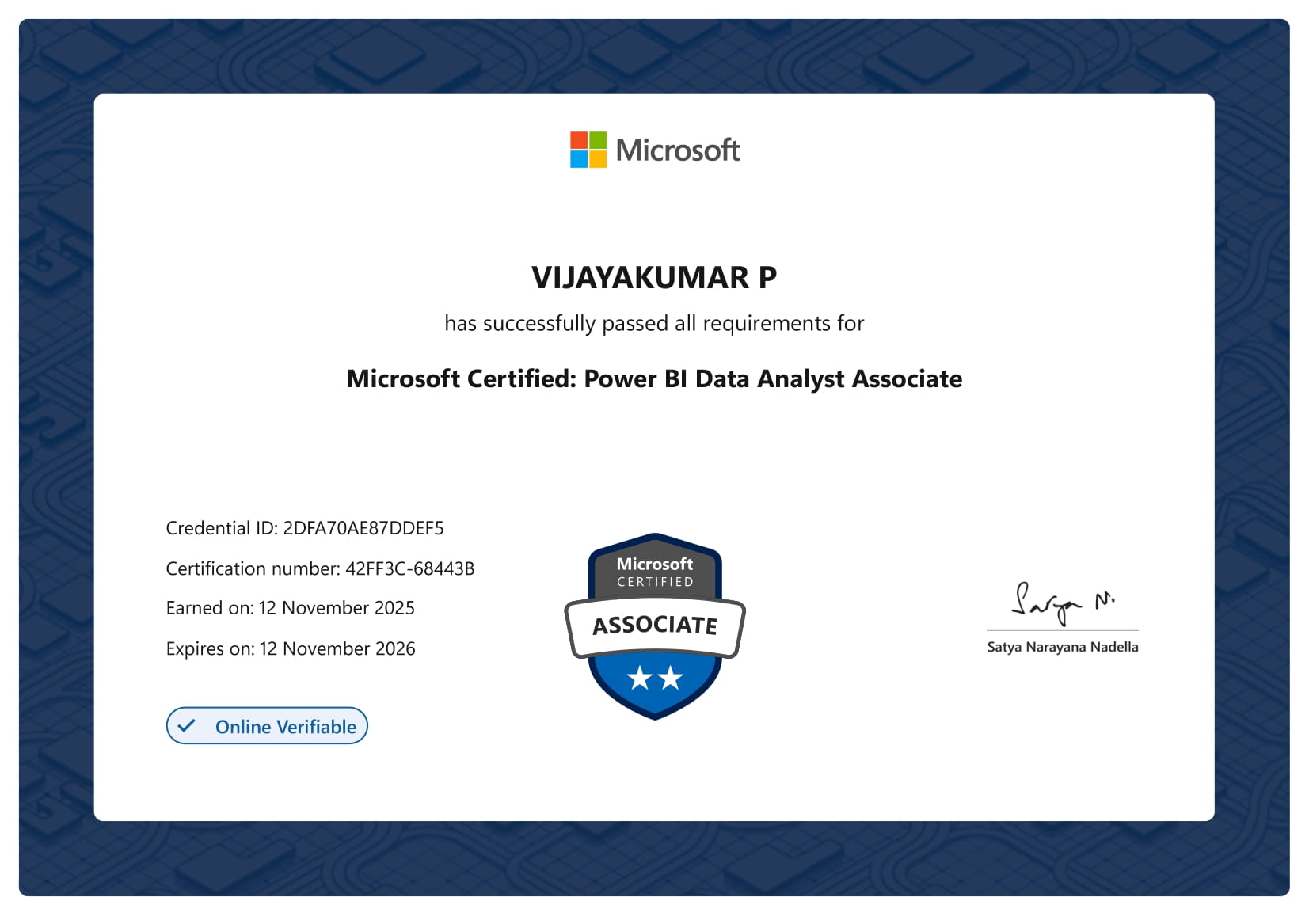
Vijayakumar P is an accomplished educator and data professional with over eight years of teaching and research experience in business analytics, data science, and HR analytics. He is a UGC Junior Research Fellow (JRF) and has qualified the UGC NET and SET in Management multiple times, reflecting his strong academic foundation.
Proficient in Python, R, STATA, SPSS, AMOS, PLS-SEM, Tableau, Power BI, Google Looker Studio, GitHub, and Excel, he has guided students and professionals in transforming data into actionable insights. His teaching spans business analytics using R and Python, HR metrics and dashboards, business forecasting, and business research methods, and he has also developed interactive eBooks to enhance hands-on learning.

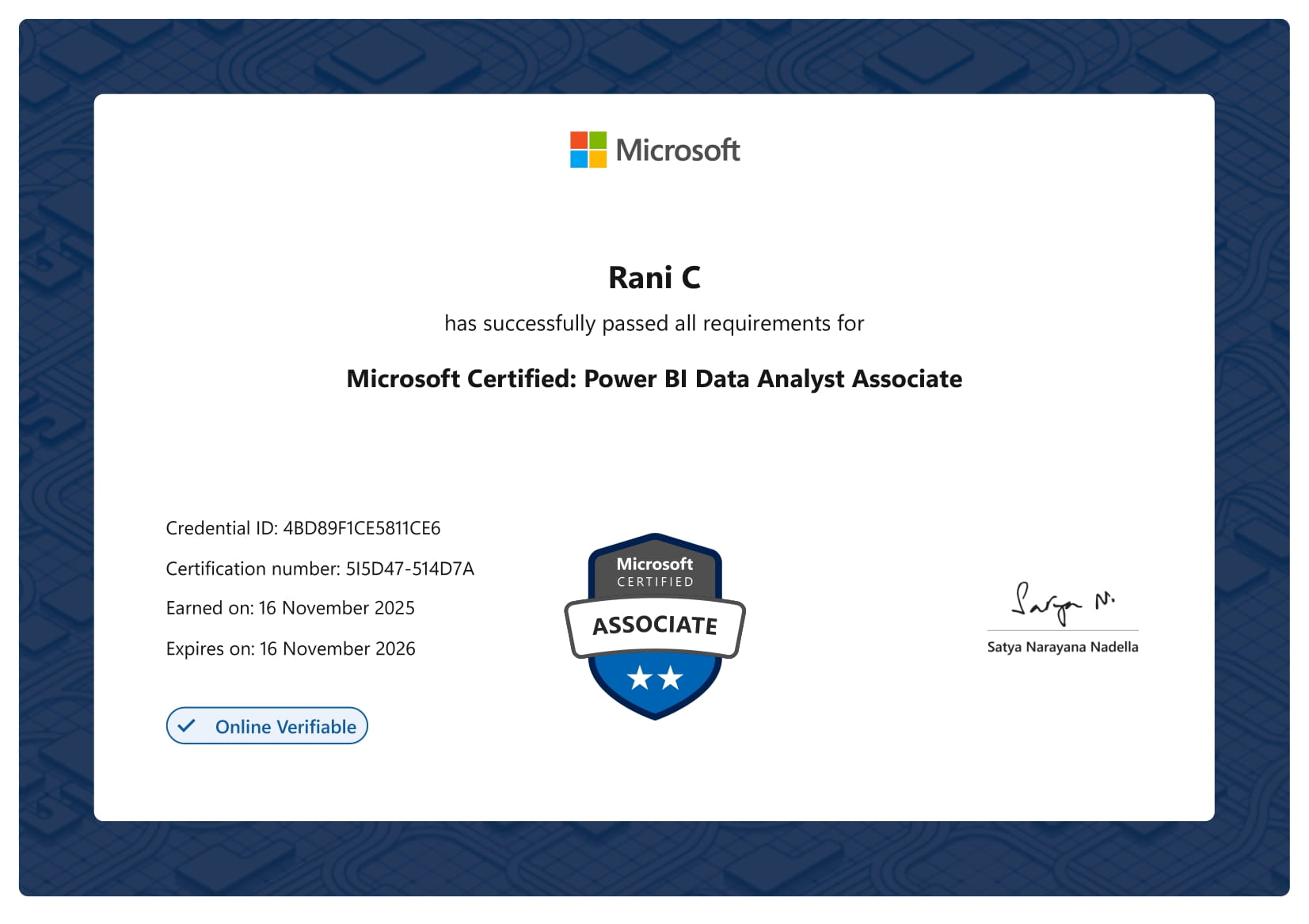
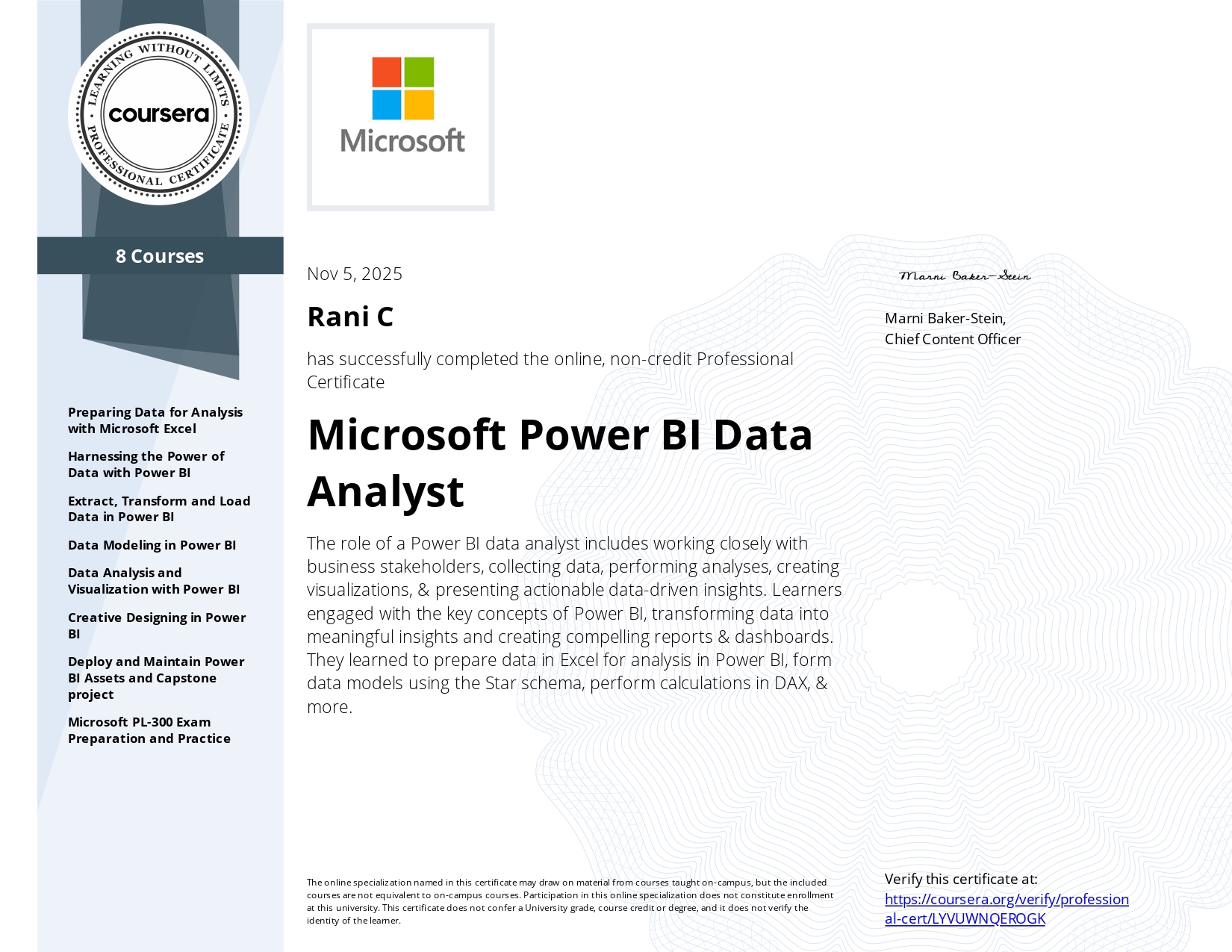
Dr. Rani C Ph.D., is a dynamic educator and analytics-driven HR Business Intelligence professional, passionate about transforming organizations and empowering people through innovative practices and evidence-based insights. With deep expertise spanning human resource management, training and development, compensation management, leadership, business law, HR analytics, and data visualization, she bridges the gap between classic management functions and modern business intelligence techniques. she has qualified the UGC NET in Management, reflecting her strong academic foundation.
Known for her mastery of Python, R, SPSS, Tableau, Power BI, and Excel, Dr. Rani crafts compelling analyses and translates complex workforce data into clear, actionable strategies for growth and performance. Her unique combination of practical HR knowledge and advanced data skills makes her a sought-after mentor, collaborator, and thought leader in both academic and industry circles.
References
Text Books
Microsoft Power BI: A Comprehensive Guide. Rad, Reza. (1st ed.). Microsoft Press.
Power BI: Data Analysis and Visualization with Microsoft Power BI. Chmait, Mazen. (1st ed.). McGraw-Hill Education.
Reference Books
The Complete Guide to Power BI. Frye, Curt. (1st ed.). Apress.
Mastering Microsoft Power BI. Gordon, Leon. (2nd ed.). Packt.